





















































































































































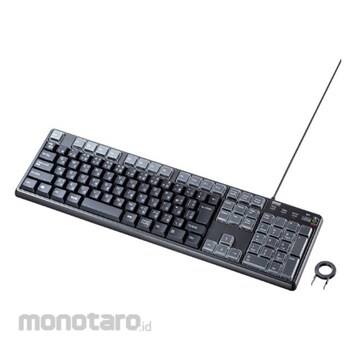


You can customize a total of 43 keys, including the F1 to F12 keys and the numeric keypad, to your liking.
You can switch between standard mode (no allocation) and allocation mode with the push of a button.
You can assign frequently used email addresses and words (English only) to the keys to reduce input time. The assigned functions are stored in the memory of the numeric keypad, so once you set them, you can use the same functions even on a computer that does not have the driver installed. The cover of the key top can be removed, so you can attach stickers with the assigned characters. *Stickers are not included.
It is a solid membrane key system with deep keys.
*The assigned functions may not work properly depending on the application or device.
* Hiragana, katakana and kanji characters cannot be assigned.
* Only users with administrator privileges can install the setting software and change the settings. General users can also use the configured numeric keypad.
*The "Ctrl" key, "Alt" key, "Shift" and "Windows" keys cannot be assigned individually. They can be assigned in combination with other keys. For example, shortcut functions such as "Ctrl" + "C" can be assigned.
*Key repeat (holding down a key) will not work for assigned letters or functions.
*Up to 30 characters can be assigned per key.



 Buka WhatsApp